DefenderUI 2.10 | Size: 2.49 MB
Language: English
DefenderUI significantly improves usability & unlocks many hidden security features.Compatible with Windows 10 / 11.
Different security profiles to choose from
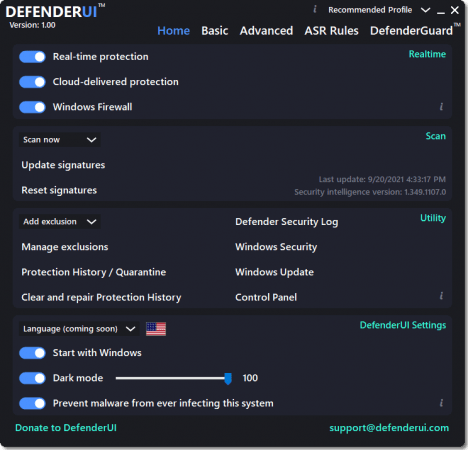
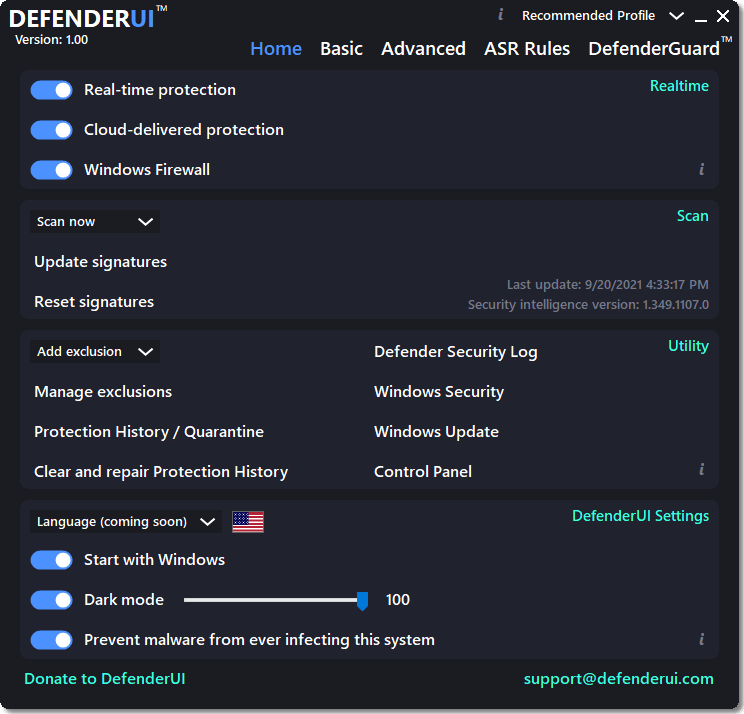
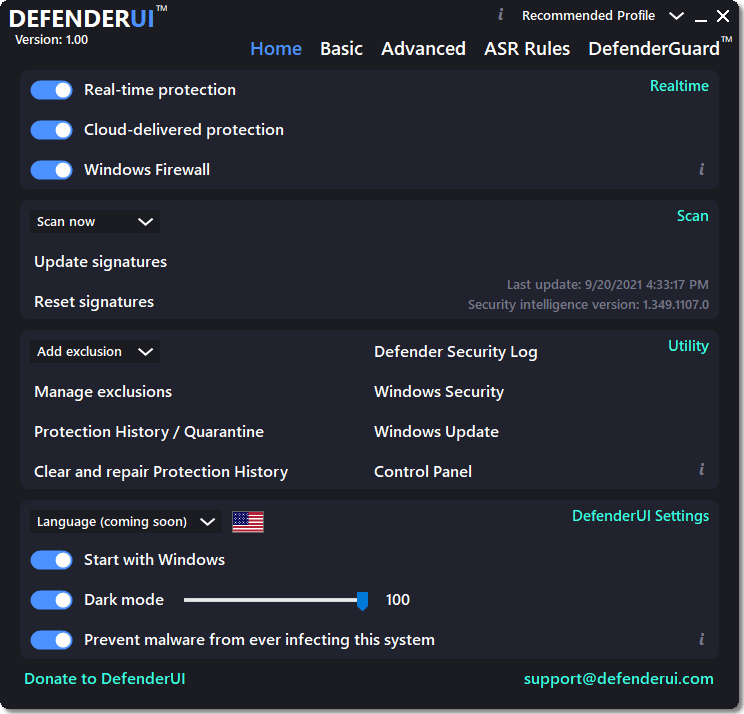
With DefenderUI, you can control Microsoft Defender much easier. For instance, it allows you to enable or disable real-time and cloud-delivered protection, or turn off and on the Windows Firewall.
There are four different security profiles that you can use. The recommended profile activates various security features in Microsoft Defender that are not available by default, providing enhanced protection. If you need more control, then you can opt for the "Interactive" profiles, which prompts the user for confirmation.
The "Aggressive" profile unlocks most of the hidden security features in Defender, and it is recommended for when the security is critical. Last but not least, the "Default" profile restores Microsoft Defender to its factory settings.
 Read More